SnapGrep press kit
snapgrep.com · hello@snapgrep.com
Everything on this page may be reproduced in coverage of SnapGrep. For review licenses, interviews, or anything missing here: hello@snapgrep.com.
Tagline
SnapGrep: grep for your screen.
Search any text you can see on your Mac, then copy, paste, open, or translate it. Screen capture and text processing happen on the Mac.
Descriptions
One sentence
SnapGrep puts a fuzzy search box over your Mac's screen: press a hotkey, type a few letters, and copy, paste, or act on any visible text.
Short (~60 words)
SnapGrep is a macOS menu bar utility that makes text anywhere on the screen searchable. Press a hotkey and type a few characters to find text in the frontmost window or across all displays, including terminals, images, videos, PDFs, and remote desktops. SnapGrep highlights each match in place and lets you copy, paste, open, click, or translate it. Screen capture and text processing run on the Mac.
Long (~150 words)
SnapGrep brings grep-style search to everything visible on a Mac. One hotkey captures the frontmost window or the whole screen. Where apps expose exact text, SnapGrep reads it through the Accessibility API; Apple's on-device OCR handles everything else. The search covers words, URLs, paths, email addresses, phone numbers, hashes, and full lines. Matches highlight directly on the screen. Return copies; one more keystroke pastes into the active app, opens a URL, reveals a path in Finder, dials a number, clicks the match, or translates it on-device between two configurable languages. Entities and their actions are fully configurable, including custom regex entities with URL templates. Screen content stays on the Mac: capture, recognition, and translation are local. SnapGrep is intended for people who work in terminals, screen shares, and video calls, where needed text is often visible but cannot be selected.
Press release
FOR IMMEDIATE RELEASE
SnapGrep launches: grep for the Mac's screen
Oberndorf an der Melk, Austria, July 2026. river42, the product brand of Austrian IT consultancy sysinit, today released SnapGrep, a macOS utility for finding and using text that appears on screen. It also reads text in videos, screen shares, photos, and remote desktops that macOS itself cannot select.
A hotkey captures the frontmost window or any display. SnapGrep reads exact text through the Accessibility API where applications expose it and uses on-device OCR everywhere else. Its fuzzy search panel highlights matches in place. Keyboard commands copy or paste the match, open it, reveal it in Finder, dial it, translate it on-device, or move the pointer and click it.
"I kept reading text on my screen that I couldn't select: paths in terminal scrollback, error codes in screen shares, URLs in videos," said Wolfgang Kerschbaumer, SnapGrep's developer. "SnapGrep is grep for all of it. A tool that reads your screen has to earn your trust, so capture, recognition, and translation all stay on the Mac. The app never uploads screen content."
SnapGrep requires macOS 15 or newer on Apple silicon and is available as a notarized direct download. The 14-day free trial does not require an account. A one-time license covers three Macs at an introductory €29/$29 (regular €39/$39) and includes a year of updates. Installed versions do not expire.
Download and demos: https://snapgrep.com
Fact sheet
| Product | SnapGrep |
|---|---|
| Category | macOS productivity utility (menu bar) |
| Price | €29 / $29 intro (regular €39 / $39), one-time, 3 Macs · 1 year of updates included, installed versions do not expire · the 14-day free trial does not require signup |
| Requirements | macOS 15+, Apple silicon |
| Distribution | Direct download, notarized, auto-updates · brew install --cask river42-com/tap/snapgrep |
| Privacy | Capture, OCR, and translation fully on-device; screen content never uploaded; optional anonymous crash reporting (can be disabled) |
| Languages | English and German (follows the system language; can be overridden) |
| Developer | river42 / sysinit: Wolfgang Kerschbaumer, Austria |
| Download | SnapGrep-latest.zip |
| Contact | hello@snapgrep.com |
Feature bullets
- Hotkey → fuzzy search over every piece of visible text (⌃⌥Space by default)
- Exact text via the Accessibility API where available; on-device Vision OCR everywhere else, including terminals, images, video frames, and remote screens
- Recognizes URLs, emails, file paths, IPs, phone numbers, UUIDs, git hashes, QR codes, and custom regex entities
- Act on the match: copy, paste into the app behind, open, reveal in Finder, dial, on-device translate, or click it on screen
- Multi-display support with tiled recognition for very large captures
- Capture, OCR, and translation run on-device; the app works fully offline
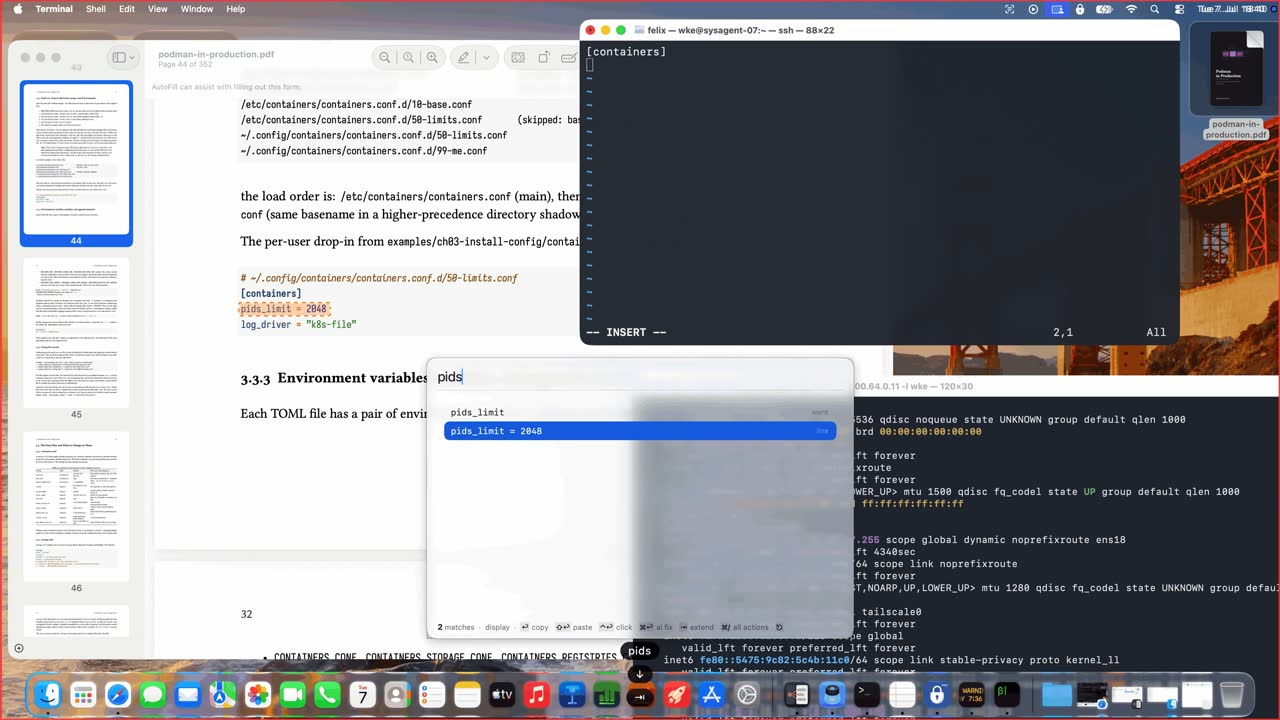
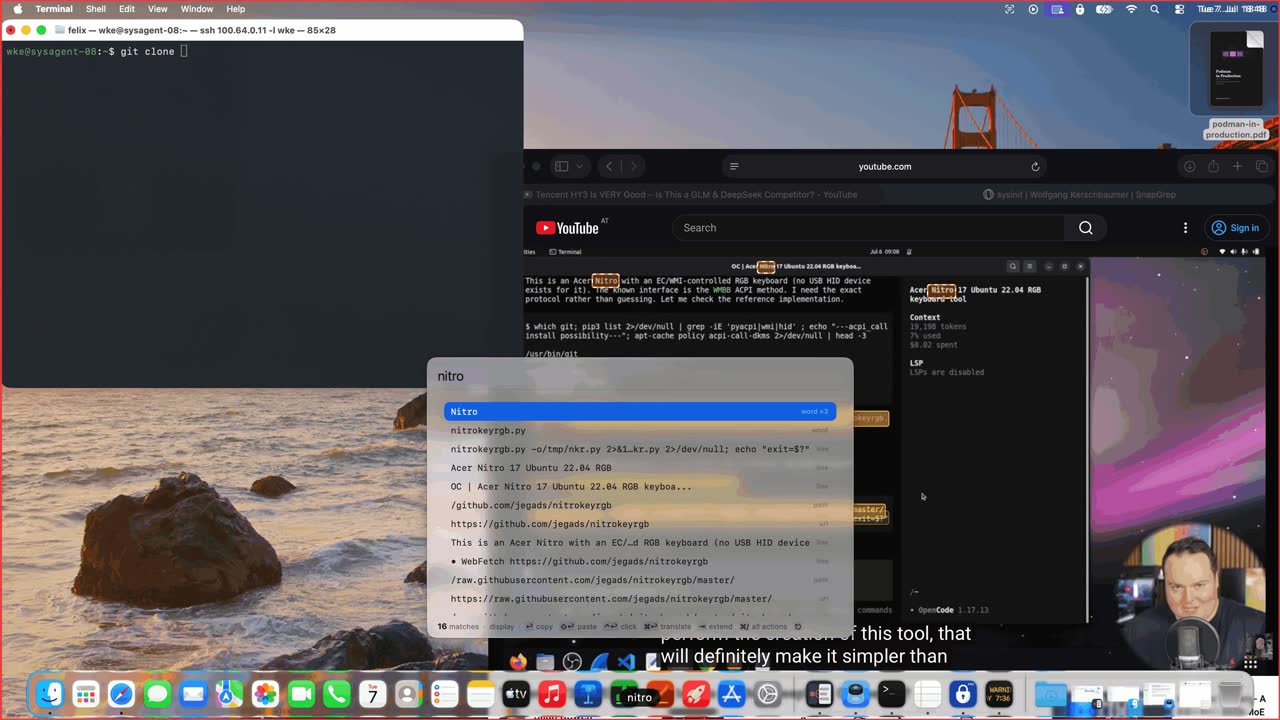
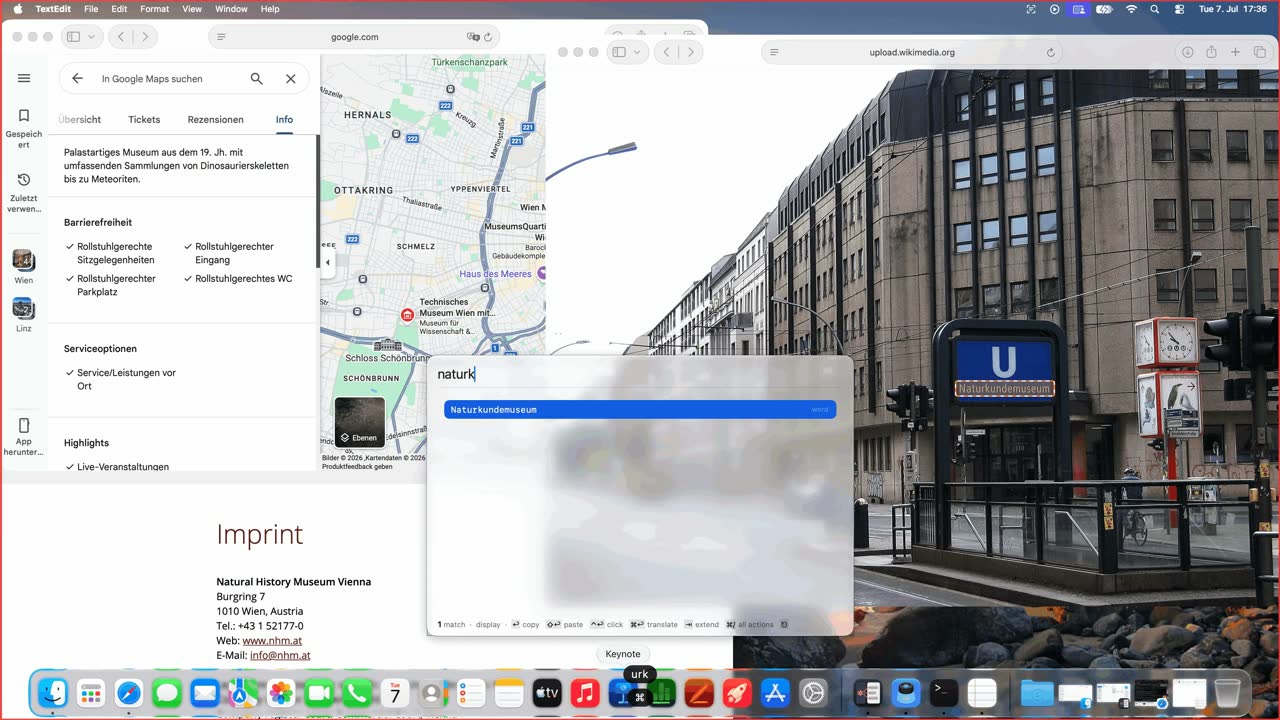
Screenshots
1600 px wide PNGs; click for full size.
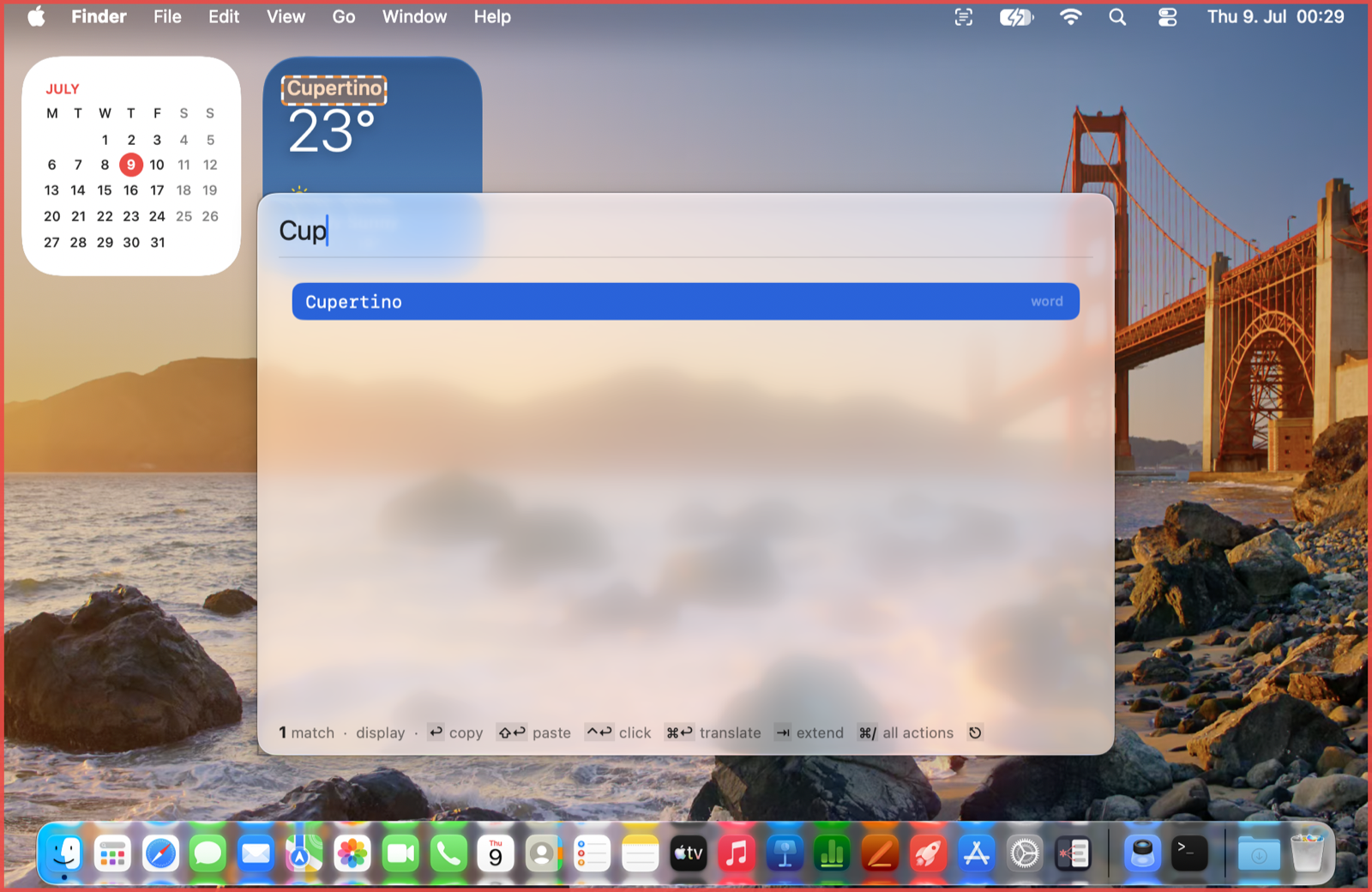
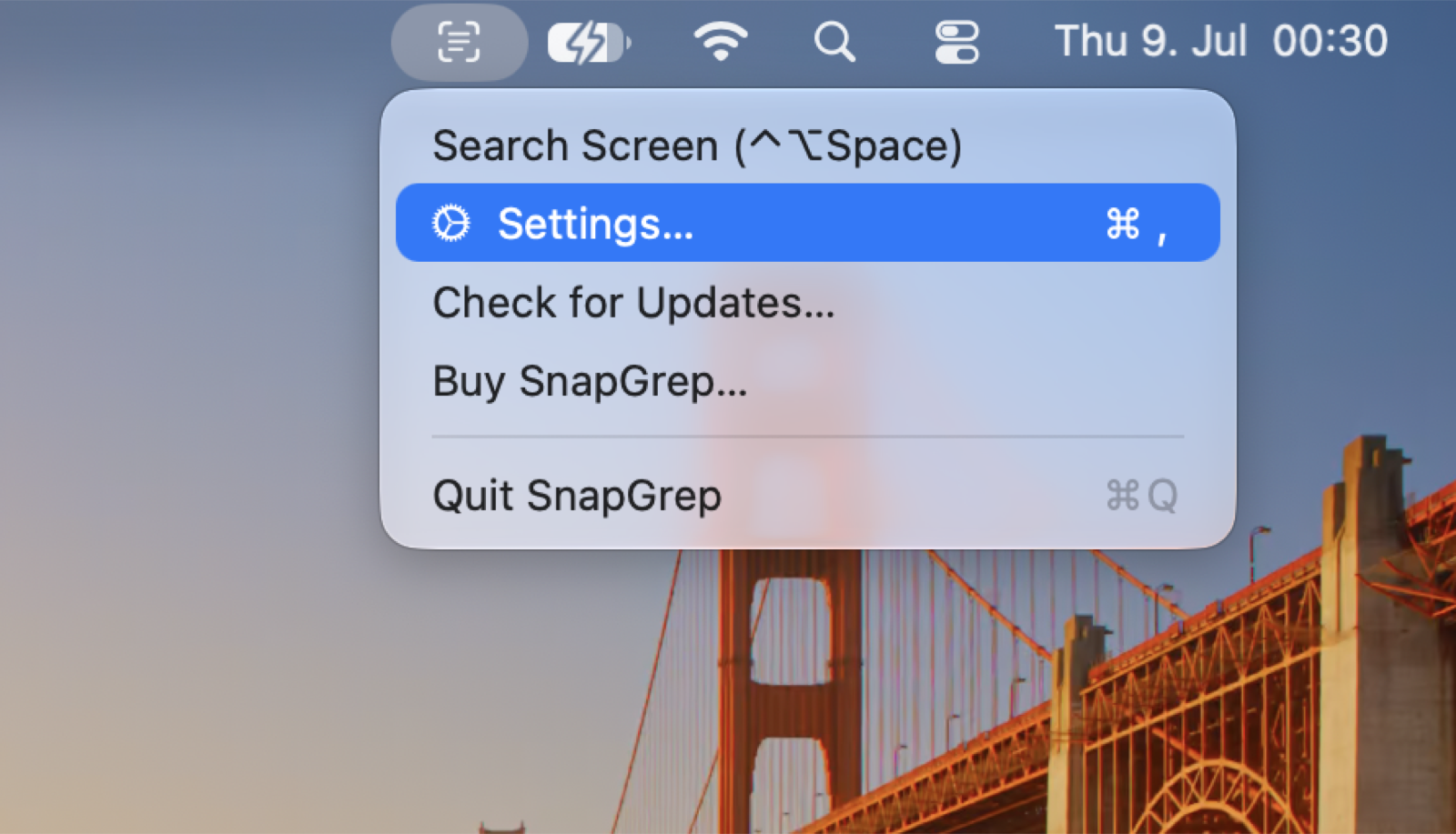
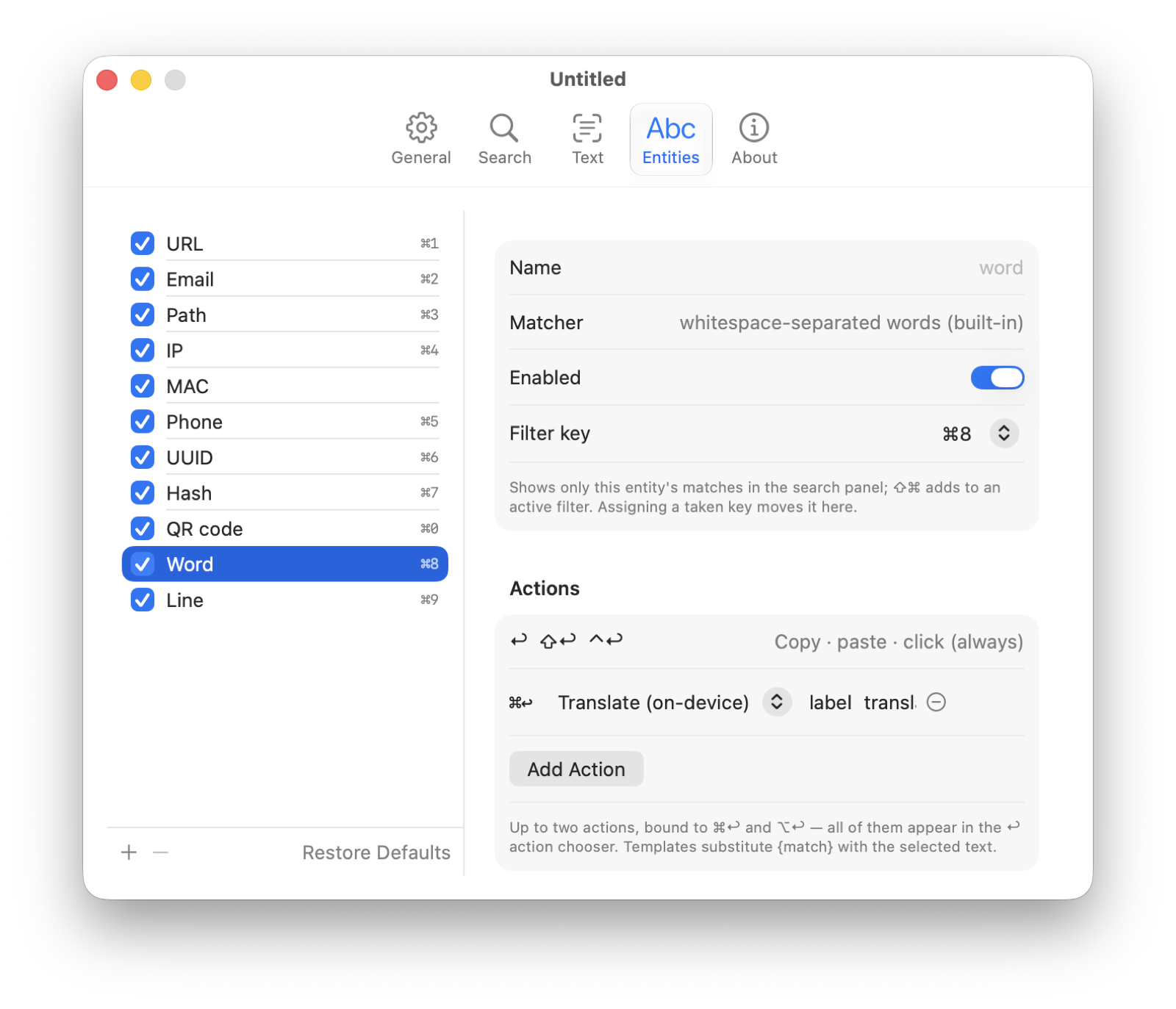
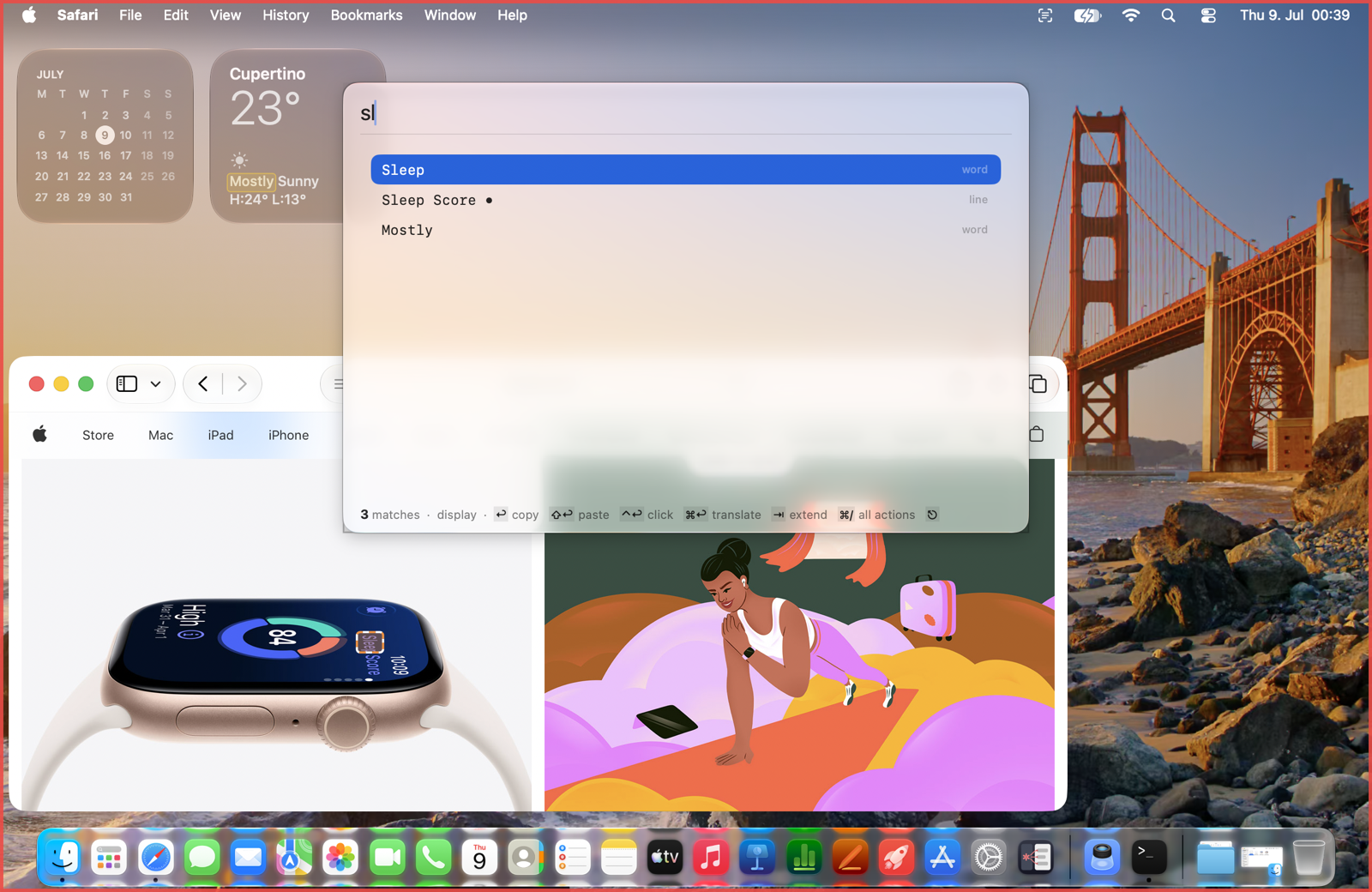
Demo videos
Short MP4 clips as used on the homepage; embed or link freely:
Icon assets
Original artwork created for SnapGrep; reproduce unmodified in coverage of the product.

About river42 / sysinit
Wolfgang Kerschbaumer develops SnapGrep at sysinit, his Austrian IT consultancy, and releases it under the river42 brand. river42 builds small, focused tools for macOS and servers that work for their users and stay under their control. river42.com · sysinit.at